EasyHomeControl
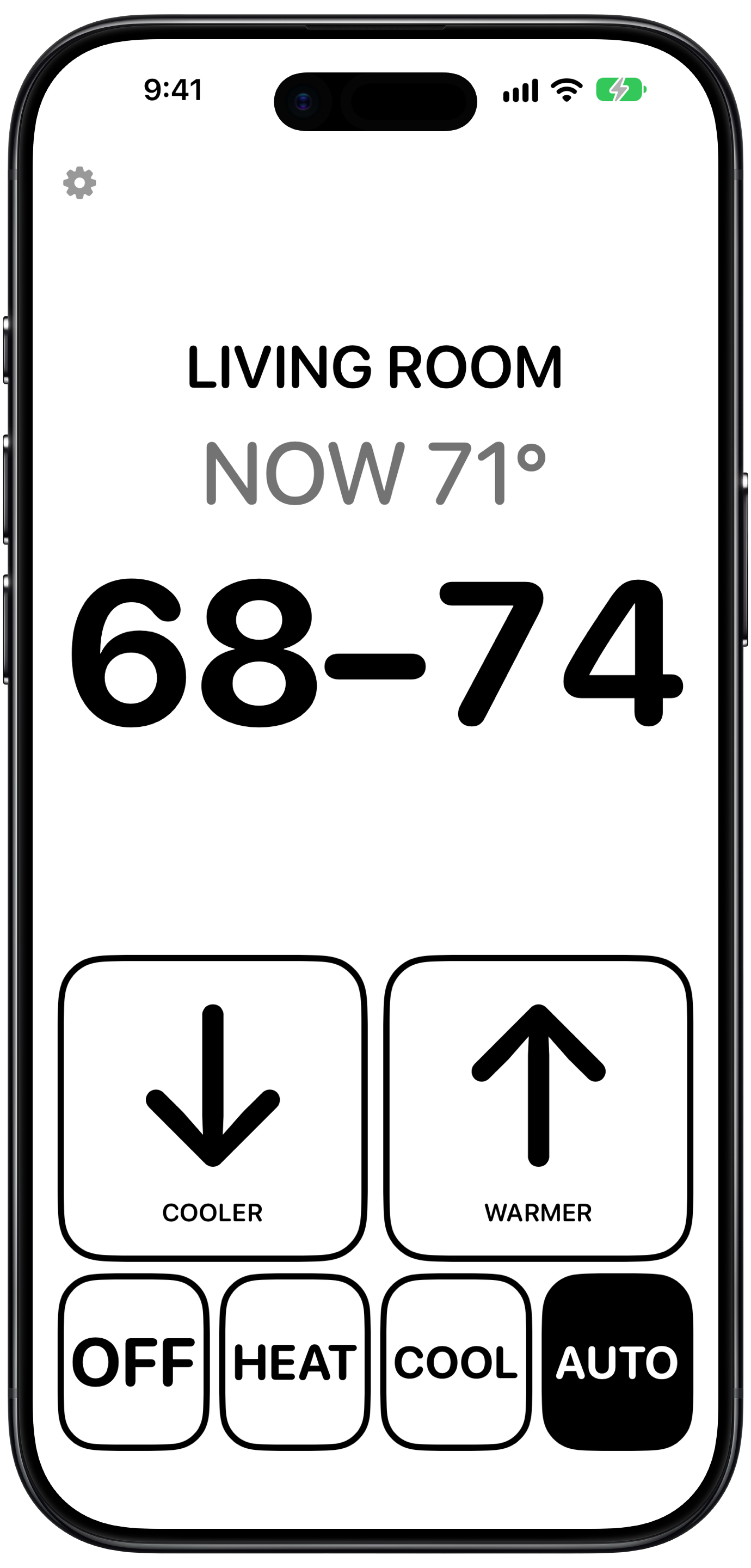
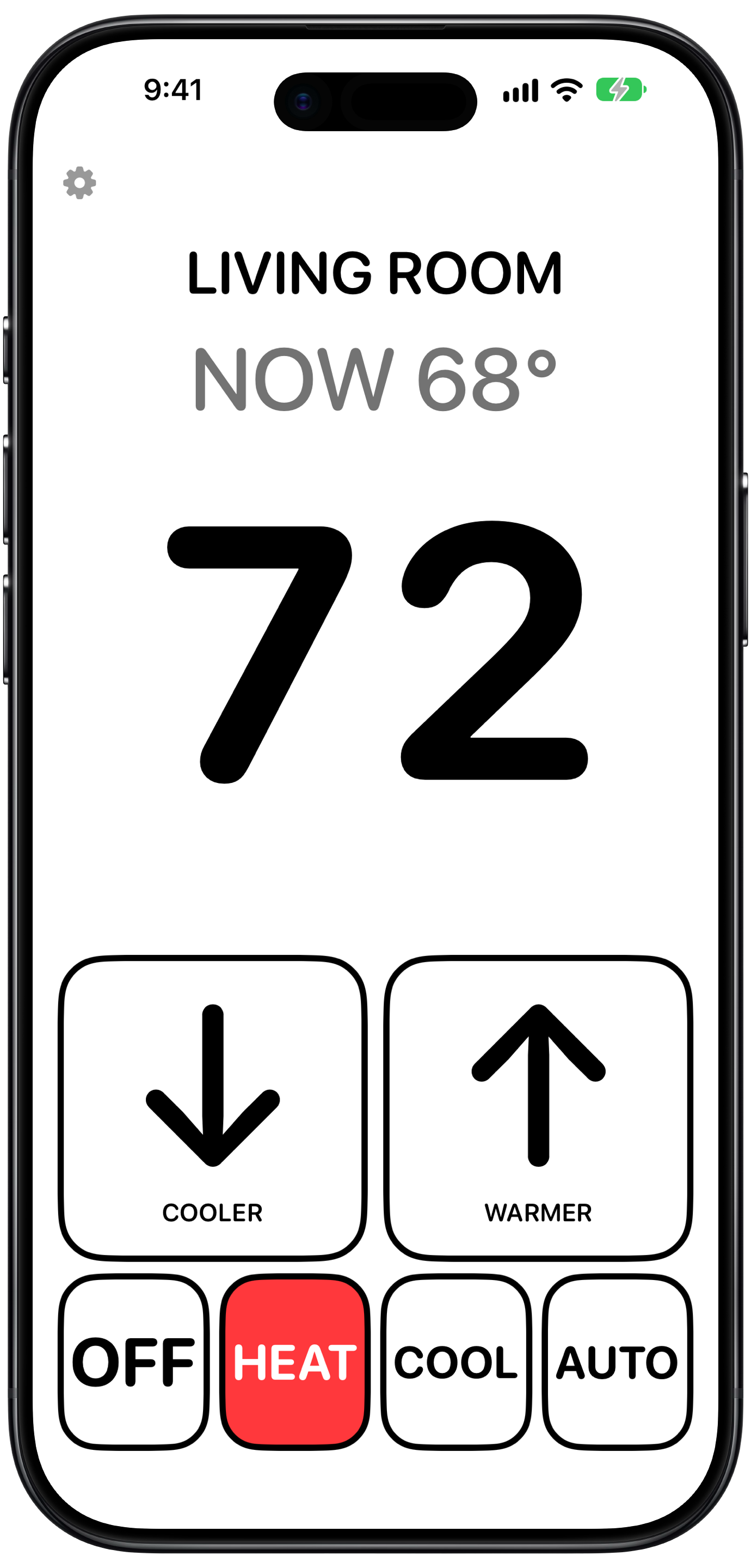
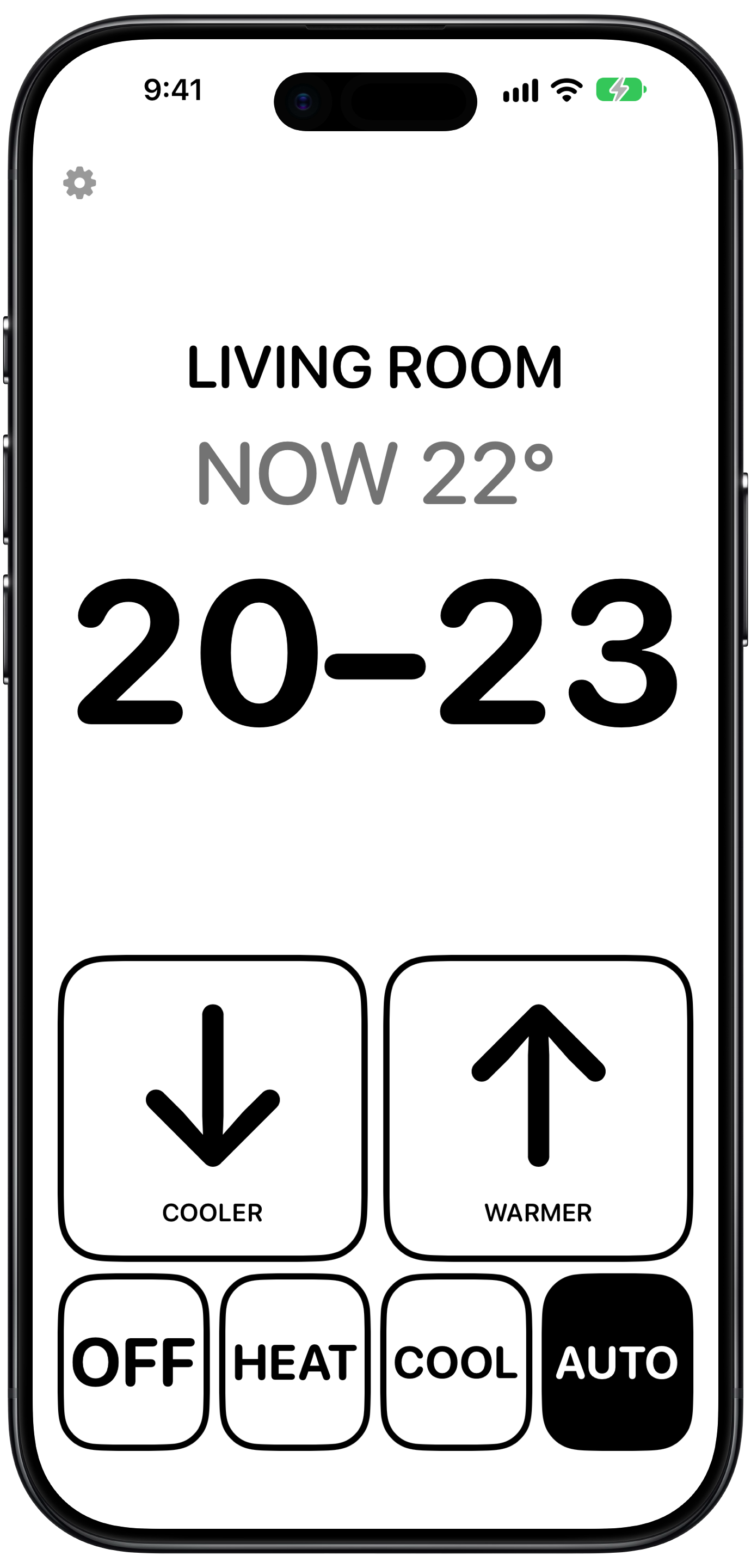
The simplest way to control your HomeKit thermostat. Three big buttons: warmer, cooler, and the mode.
Made to be easy to see and use
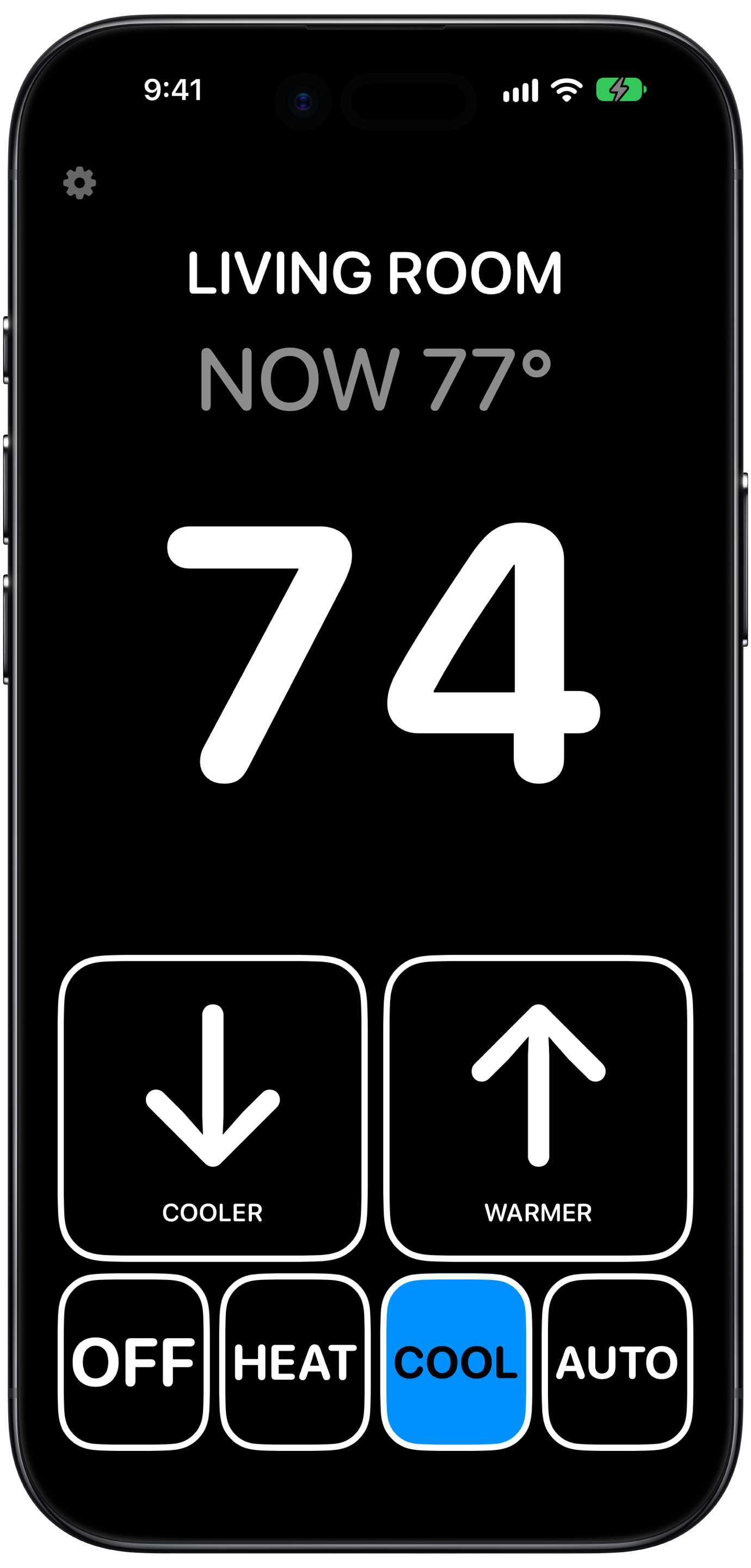
Big and high contrast
Huge numbers and buttons, built for people with low vision.
Works with HomeKit
Controls any HomeKit thermostat: heat, cool, or auto, with a comfortable range in auto.
Private
No account and no ads. Your thermostat is controlled through Apple’s HomeKit, and nothing is sent to me.
See it in action
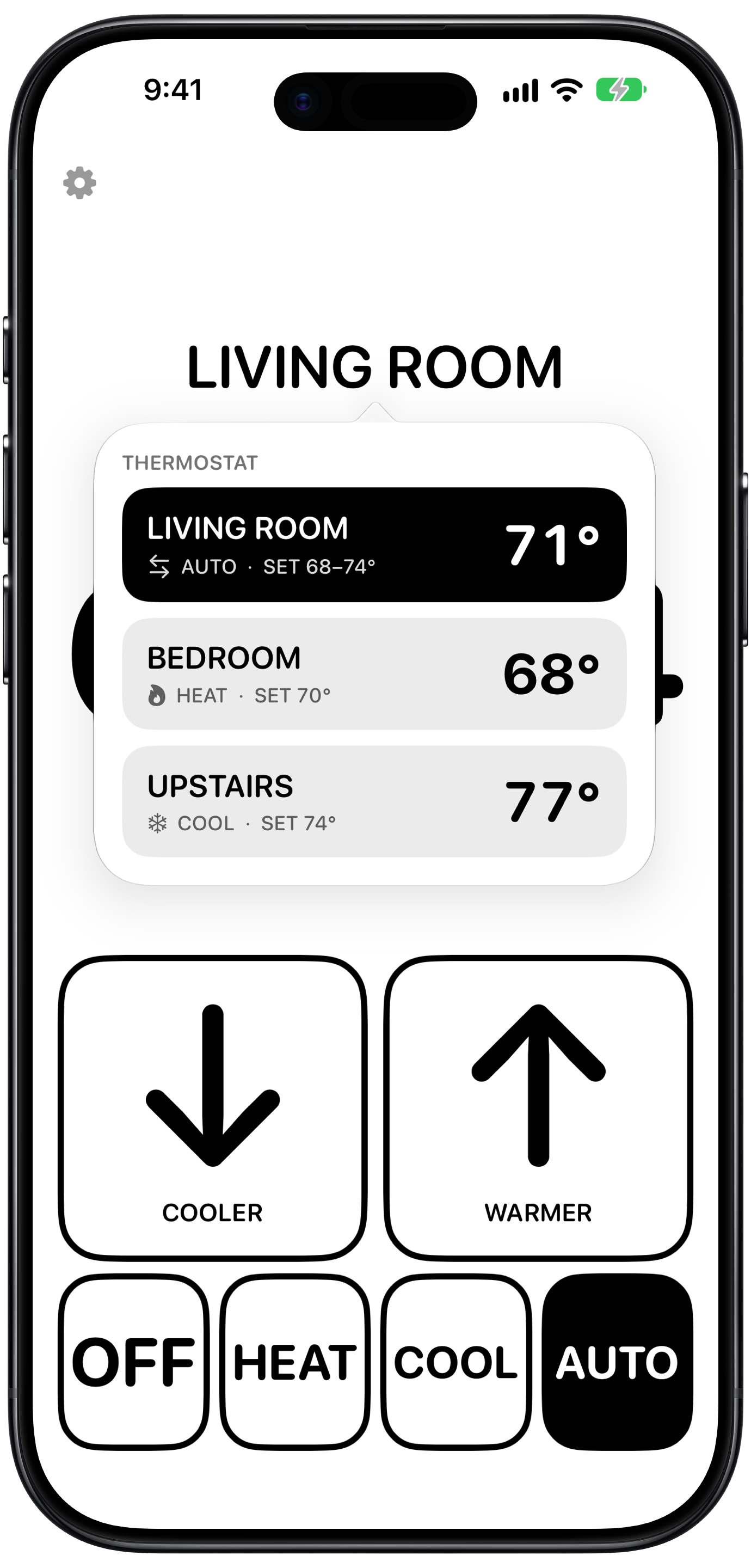
Big numbers, big buttons, and every thermostat in your home one tap away.
Support
Need a hand? Email support@jonwhofixesthings.com and I'll get back to you.
Email support@jonwhofixesthings.com, or tap the gear in the app and choose Get Help.
Any thermostat you've added to Apple's Home app. If it shows up in Home, it works in EasyHomeControl.
In Auto, many thermostats keep your home between a low and a high temperature. Warmer and Cooler move both numbers together by one degree.
Make sure EasyHomeControl has permission to use Home data in the iPhone or iPad Settings app, and that the thermostat is in the home selected at the top of the app.
No. EasyHomeControl is free with no ads. You can leave an optional tip in Settings if it helps you.